Services
Build. Tune. Service. Workspace.
Four disciplines covering the whole life of a machine — from the first specification to the desk it lives on.
01 — Build
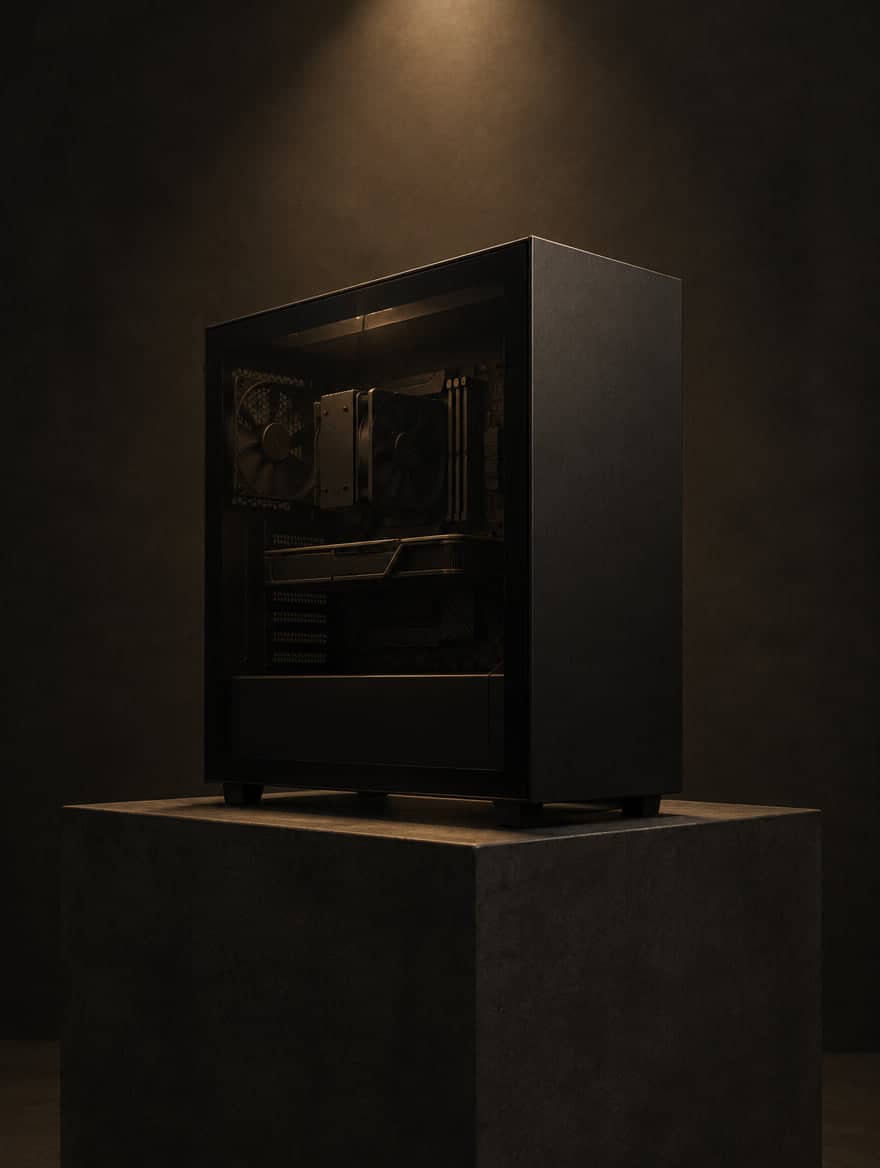
Custom PCs, specified to the workload.
We start from what the machine has to do — the software you run, the noise you can live with, the space it sits in and the budget — and specify every component against it.
- Custom PC builds
- Workstations, creator machines, gaming and small-form-factor builds — assembled and cable-managed to a standard you would be happy to open.
- Component selection
- A parts list matched to your budget and workload, with the reasoning behind every line. Useful whether we build it or you do.
- Validation before handover
- Stability, temperatures and acoustics checked against the brief before the machine is handed over.
02 — Tune
Performance, tuned to the silicon you have.
No two chips are identical. We find where yours runs fastest, coolest and quietest — and set it there, stable.
- Undervolting
- The same performance at lower voltage: less heat, less noise and more sustained boost. Set per chip and verified for stability.
- Overclocking
- Measured headroom, not record screenshots. We go only as far as stays stable under your real workload.
- BIOS / UEFI setup
- Memory profiles, power limits, fan curves, boot and security settings — configured deliberately instead of left on defaults.
- Windows and Linux
- Clean installation and optimisation: drivers, updates, services and background load. Linux set up for development, creative work or daily use.
03 — Service
Diagnosis first. Then the fix.
When something is wrong, we find out why before replacing anything. When nothing is wrong, we keep it that way.
- PC and laptop diagnostics
- Crashes, freezes, no-boot, overheating and noise. Systematic diagnosis, a clear explanation, then a repair plan.
- Laptop service
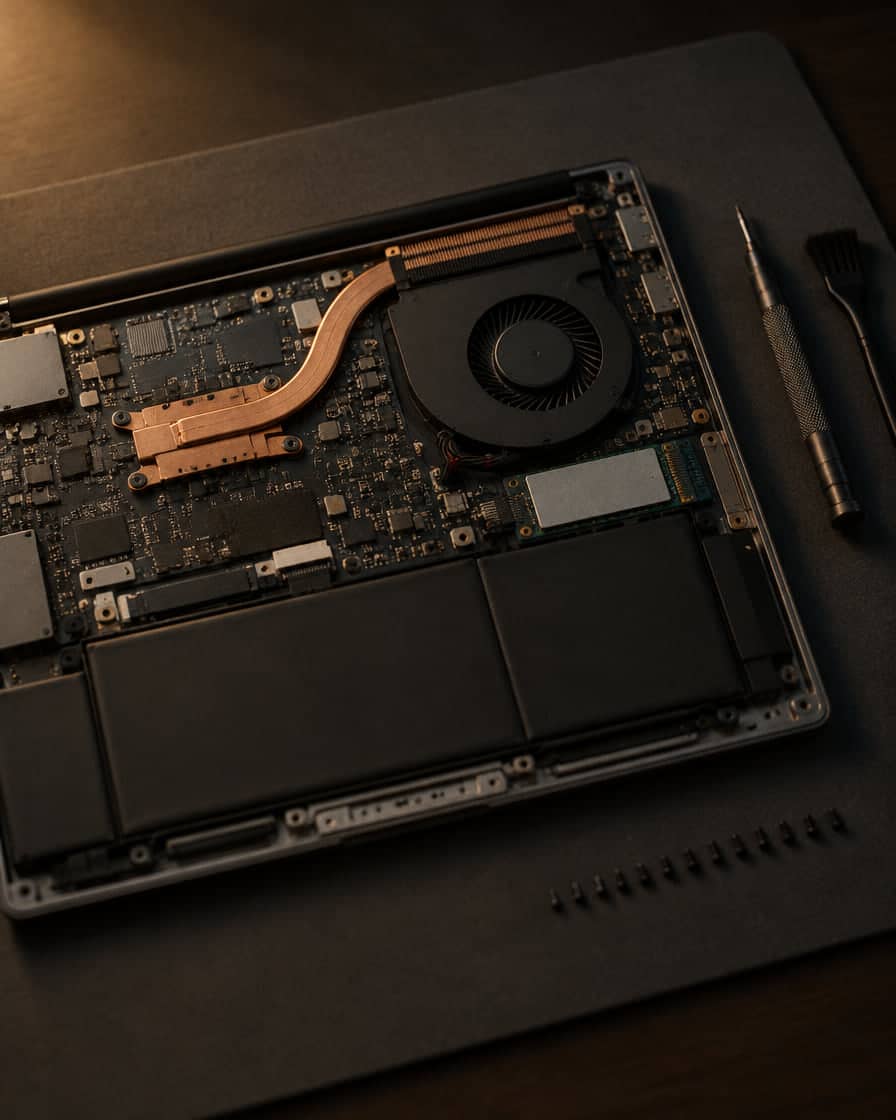
- Careful service of current laptops: opening, cleaning, fan and thermal work, and upgrades where the design allows.
- Cleaning and thermal interface replacement
- Dust removal, fan service and fresh thermal paste or pads — the most direct way to bring temperatures and noise back to nominal.
- macOS support
- Setup, migration, maintenance and troubleshooting for current Mac devices.
04 — Workspace
The environment around the machine.
Performance does not end at the case. The keyboard under your hands, the sound in your room and the desk you sit at all count.
- Custom keyboards
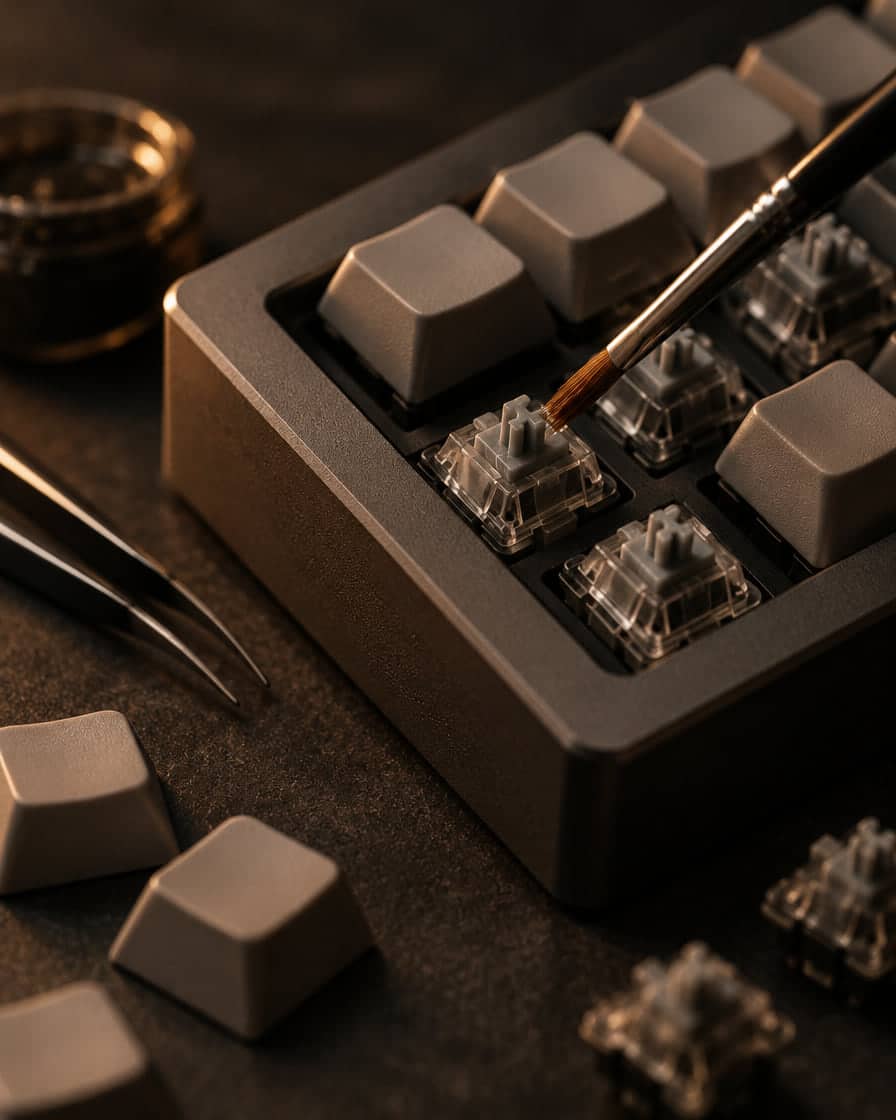
- Builds and modifications: switches, lubrication, stabilisers, acoustics and layout — tuned to the way you type.
- Room-tailored audio
- Speaker and listening-position setup tailored to your room, so the system sounds right where you actually sit.
- Cable management
- Clean, serviceable routing inside the case and under the desk.
- Workstation ergonomics
- Monitor height and distance, input placement and desk setup for long, comfortable sessions.
Request
Tell us what nominal means for you.
Describe the machine, the problem or the desk. We will reply with questions or a plan.