Placeholder
Workstation
№ 01
sdasdefa
faefa

Background video: a blade of warm light travels across the fins of a heatsink.
Computer workshop — Warsaw
Custom PCs, precise tuning and meticulous service — for people and teams who need their machines to simply work, quietly, for years.
§ 01 / 08Positioning
We build and maintain computers the way instruments are made: to a specification, within tolerance and for the long run. Every decision is measured against three things.
01
Quiet under load, cool to the touch, pleasant to sit in front of for ten hours.
02
Specified for the work you actually do — not for a benchmark chart.
03
Stable, predictable and set up so the machine never becomes the task.
§ 02 / 08Services
Everything we do falls into one of four channels. Most projects touch more than one.
All services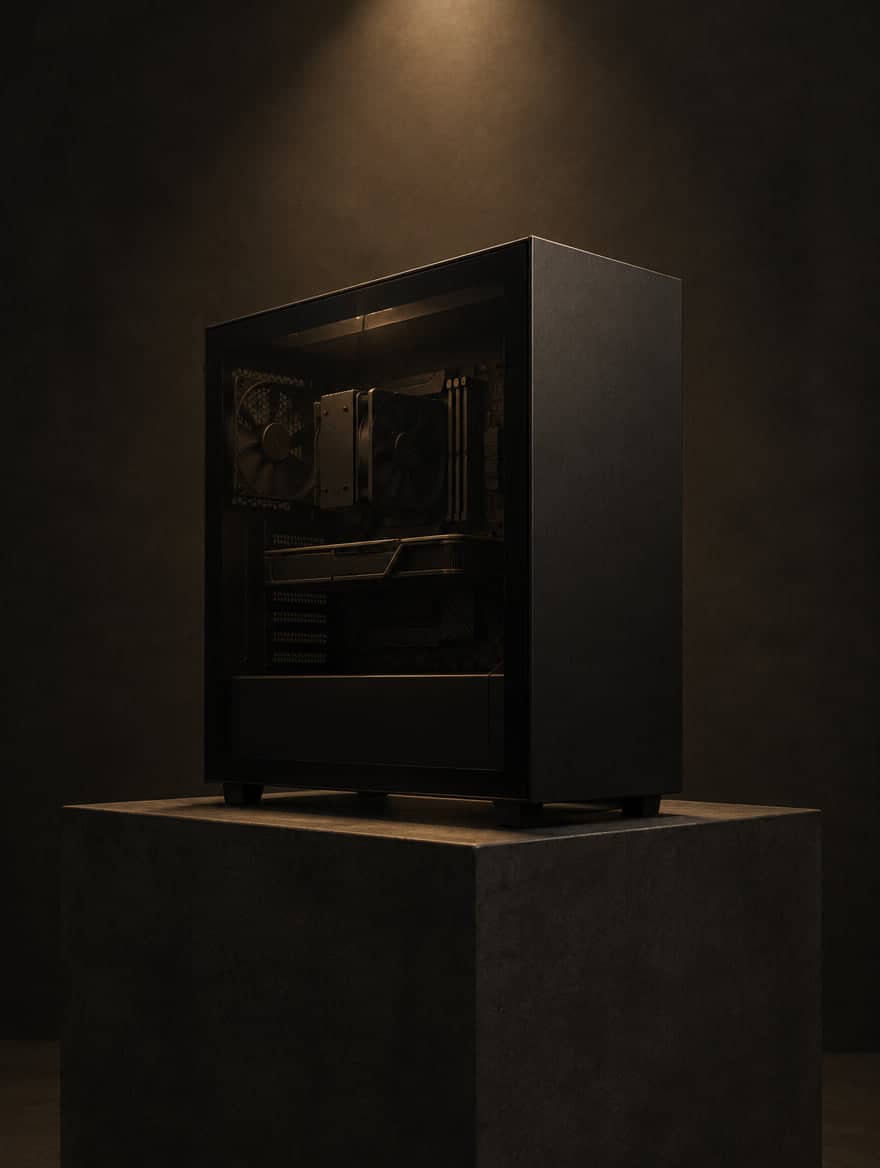
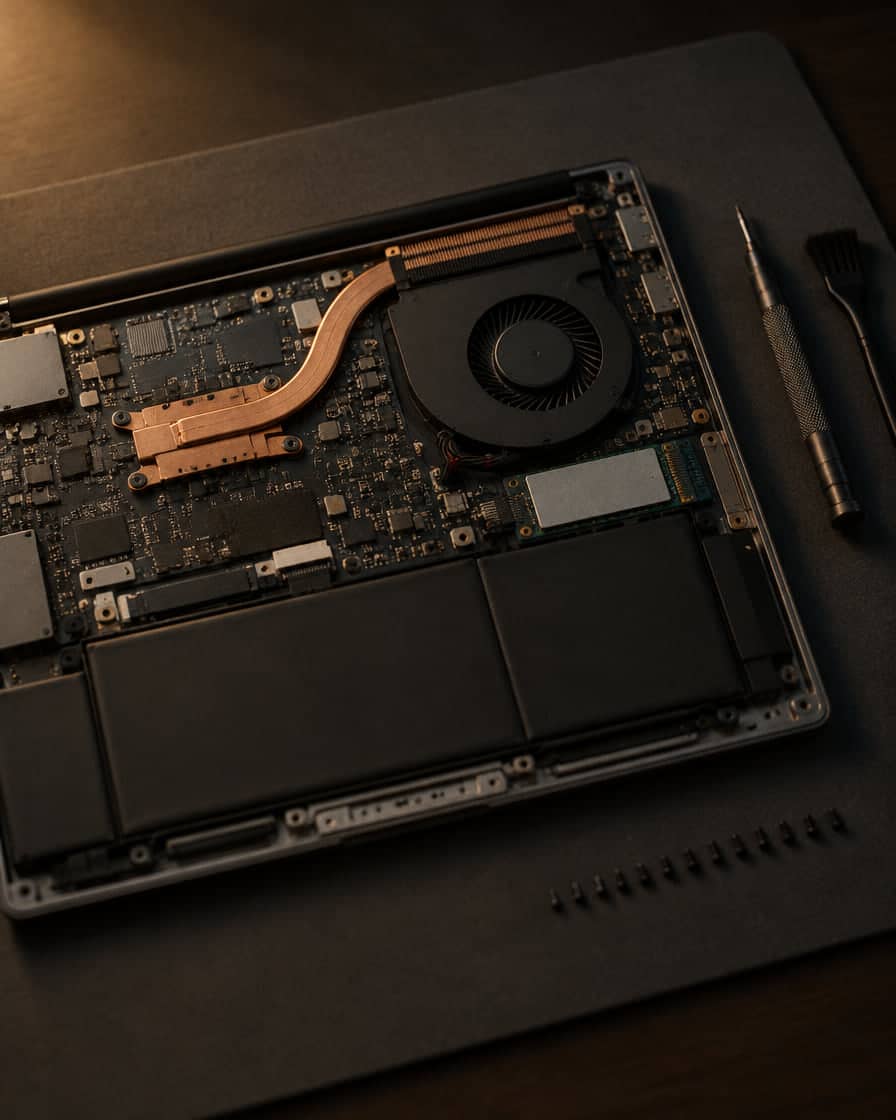
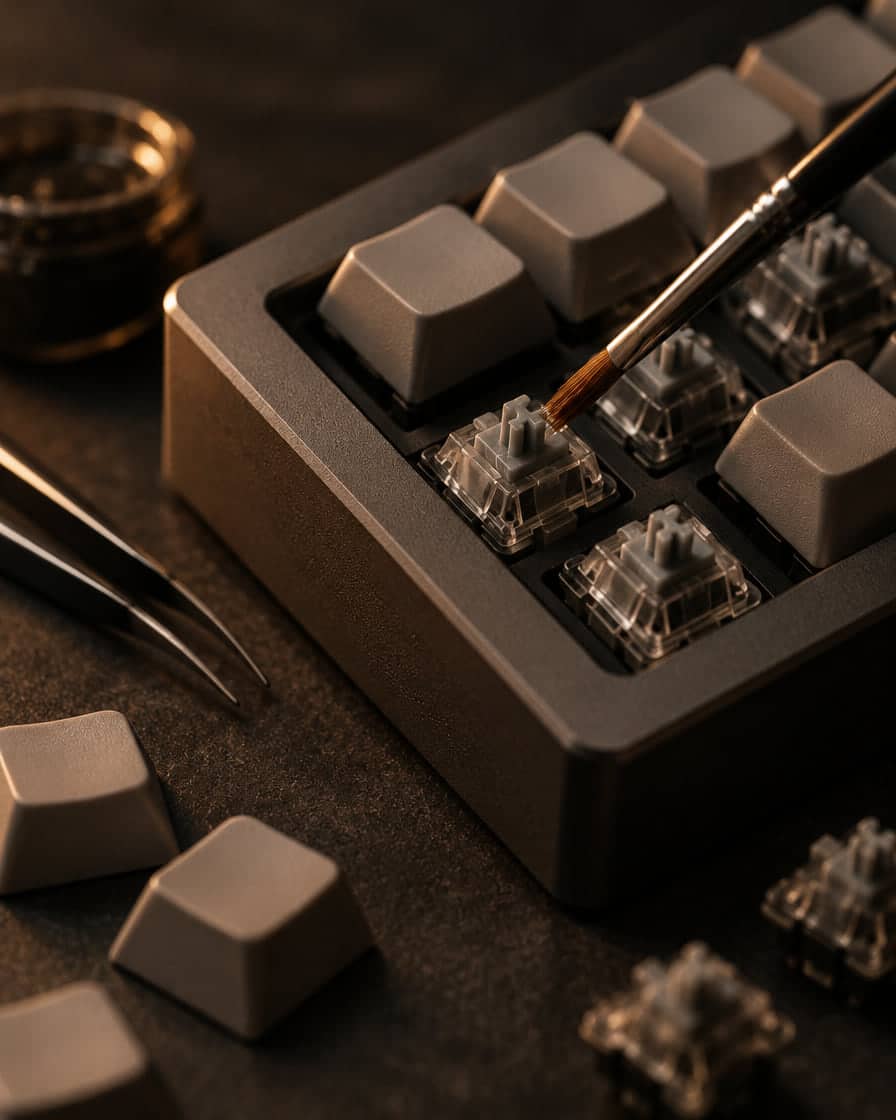
§ 03 / 08Process
The same six steps for a new build, a laptop that runs hot or a full studio desk.
How we work01Brief
What you do, what bothers you, what you expect. We ask about workload, software, noise, space, budget and timing — and about what already works.
02Specification
A configuration or a service plan with the reasoning behind it, agreed with you before any work starts.
03Execution
On the bench, in order, with the right tools. Nothing improvised, nothing rushed, every change noted.
04Validation
Stability, temperatures and noise are checked under realistic load. If it is not nominal, it is not finished.
05Handover
You receive the machine with a summary of what was done and the settings that matter.
06Care
Results and long-term cooperation matter to us. Maintenance, adjustments and questions after handover are part of the relationship.
§ 04 / 08Selected builds
A record of machines specified, built and validated in the workshop.
§ 05 / 08Operating range
We are deliberately narrow. Staying inside this range is how we stay excellent at everything in it.
Not sure where your hardware falls? Ask — you will get a straight answer.
§ 06 / 08For business
Machines specified for the work your people do, set up consistently and kept in shape over time — with one point of contact.
§ 07 / 08Questions
§ 08 / 08Request
Describe the machine, the problem or the desk. We will reply with questions or a plan.
